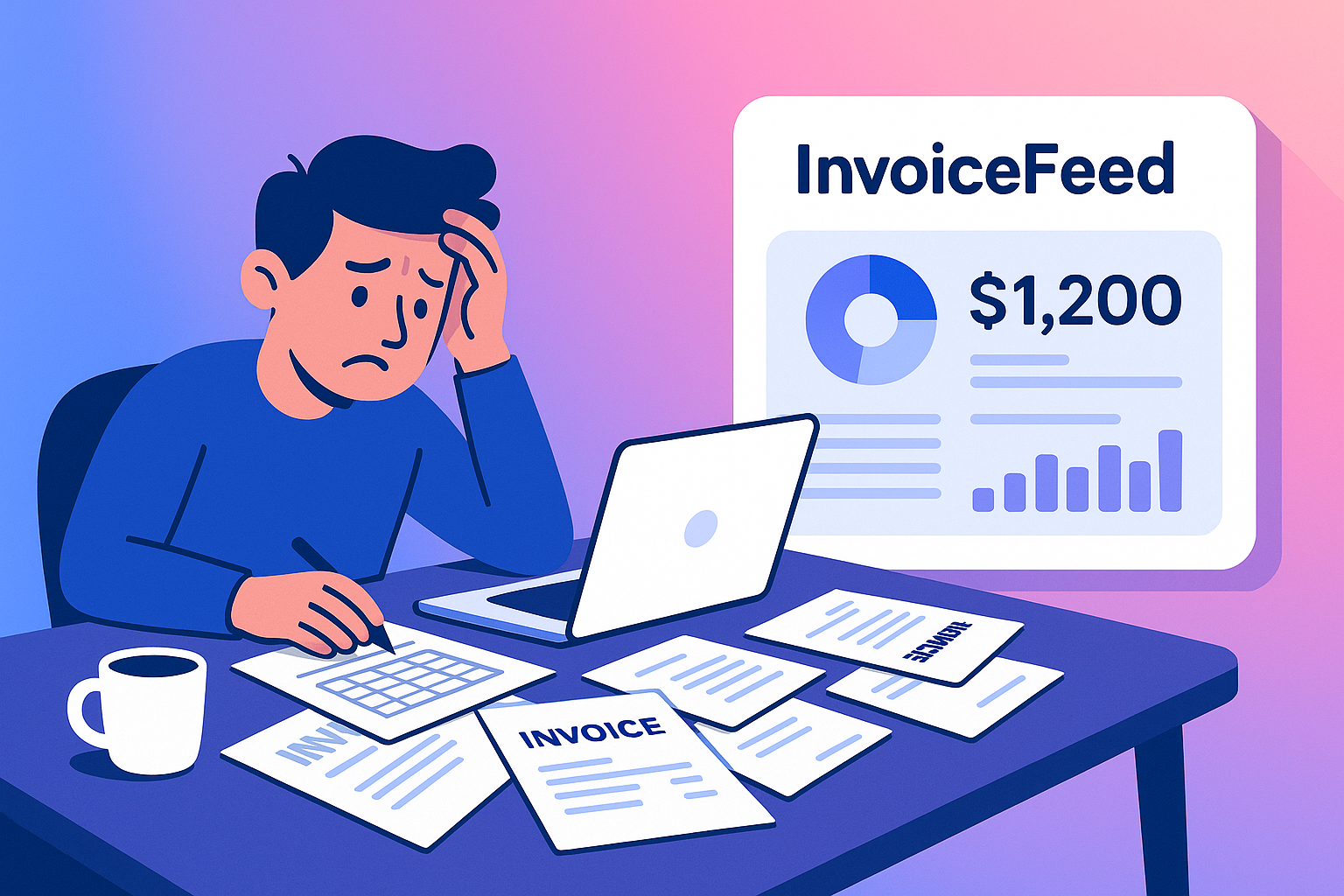
How to Know When Your Invoicing System Is Holding You Back
The harsh truth: If you're still creating invoices in Excel or using outdated tools, you're probably wasting hours and losing money every single week.
Your invoicing system should be your business's financial backbone — saving you time, helping you get paid faster, and making you look professional. But when it becomes a bottleneck, it can cost you clients, revenue, and credibility.
In this comprehensive guide, we'll explore the 5 critical warning signs that your current invoicing setup is failing you, and show you exactly how to fix each problem with modern invoicing software.
Why This Matters More Than You Think
According to recent studies, 71% of small businesses struggle with cash flow issues, and a significant portion of these problems stem from inefficient invoicing processes. The average freelancer spends 3-5 hours per week on invoicing tasks that could be automated.
The good news? Modern invoicing software can reduce your invoicing time by 80% while improving your payment collection rate by 40%.
5 Warning Signs Your Invoicing System Is Failing You
1. 🚨 You're Still Using Spreadsheets or Word Templates
The Problem: Spreadsheets and Word documents might work for one or two clients, but they don't scale. They look unprofessional, are prone to errors, and offer zero automation. Plus, they make you look like you're stuck in 2005.
The Impact:
- Unprofessional appearance that damages your credibility
- Manual calculations that lead to costly errors
- No automation means hours of repetitive work
- Difficult to track payment status and history
The Solution:
With InvoiceFeed's AI invoice generator, you can create professional invoices in seconds using AI-powered templates that automatically calculate totals, taxes, and discounts. Our AI invoice free tier includes unlimited invoice creation with professional AI invoice PDF generation.
Key Benefits:
- ✅ AI invoice template library with professional designs
- ✅ AI invoice generator automation eliminates human error
- ✅ AI invoice PDF generation with custom branding
- ✅ AI invoice free tier for unlimited invoice creation
2. 💸 Clients Often Pay You Late (Or Not At All)
The Problem: If you're constantly chasing down payments, it's probably because your system doesn't include automatic reminders or easy payment options. Manual follow-ups are time-consuming and often ineffective.
The Impact:
- Cash flow problems from delayed payments
- Hours wasted on payment follow-ups
- Strained client relationships from constant nagging
- Lost revenue from forgotten or ignored invoices
The Solution:
InvoiceFeed sends automated reminders and lets clients pay directly online via credit card, PayPal, or bank transfer.
Key Benefits:
- ✅ Automated payment reminders that work while you sleep
- ✅ Multiple payment options for client convenience
- ✅ Online payment processing for instant payments
- ✅ Payment tracking to see exactly when clients view and pay
3. 📊 You Don't Know Who Owes You What
The Problem: Do you have to dig through emails and spreadsheets to figure out who has (or hasn't) paid you? That's a major red flag. You should know your financial status at a glance.
The Impact:
- Poor cash flow management due to lack of visibility
- Missed follow-ups on overdue payments
- Inaccurate financial reporting for tax and business planning
- Stress and uncertainty about your business's financial health
The Solution:
InvoiceFeed gives you a clear dashboard that shows overdue invoices, upcoming payments, and total revenue at a glance.
Key Benefits:
- ✅ Real-time financial dashboard with key metrics
- ✅ Overdue invoice alerts so nothing falls through the cracks
- ✅ Payment history tracking for better client management
- ✅ Revenue forecasting to plan for the future
4. 🎨 Your Invoices Look Outdated and Unprofessional
The Problem: First impressions matter. If your invoices look like they were made in 2005, clients won't take your business seriously. Your invoicing documents are a reflection of your professionalism.
The Impact:
- Damaged credibility with potential and existing clients
- Reduced payment urgency from clients who don't take you seriously
- Missed opportunities for referrals and repeat business
- Brand inconsistency that weakens your professional image
The Solution:
Use InvoiceFeed's modern, branded invoice templates that make you look professional and trustworthy.
Key Benefits:
- ✅ Modern, clean designs that impress clients
- ✅ Custom branding with your logo and colors
- ✅ Mobile-responsive invoices that look great on any device
- ✅ Professional layouts that match industry standards
5. ⏰ You Can't Track Time or Expenses Easily
The Problem: If you bill hourly or need to track expenses, doing it manually wastes hours and leads to mistakes. Time tracking should be seamless, not a chore.
The Impact:
- Lost billable hours due to poor time tracking
- Inaccurate billing that costs you money
- Manual data entry that wastes valuable time
- Expense management chaos that complicates tax preparation
The Solution:
InvoiceFeed includes time tracking and expense management, so you can add billable hours and costs directly to invoices.
Key Benefits:
- ✅ Integrated time tracking that captures every billable minute
- ✅ Expense categorization for better financial management
- ✅ Automatic invoice generation from time and expense data
- ✅ Detailed reporting for client transparency and tax preparation
The Hidden Costs of Poor Invoicing
When your invoicing system fails, the costs add up quickly:
- Time Cost: 3-5 hours per week on manual invoicing tasks
- Opportunity Cost: Hours that could be spent on billable work or business growth
- Cash Flow Cost: Delayed payments that hurt your business's financial health
- Reputation Cost: Unprofessional invoices that damage your credibility
- Stress Cost: The mental burden of constantly chasing payments
The total cost? For most freelancers and small businesses, poor invoicing costs $2,000-$5,000 per year in lost time and revenue.
How Modern Invoicing Software Transforms Your Business
Before: The Old Way
- ❌ Manual invoice creation takes 30+ minutes per invoice
- ❌ No payment tracking or automated reminders
- ❌ Unprofessional appearance damages credibility
- ❌ Time tracking requires separate tools
- ❌ No visibility into financial health
After: The Modern Way
- ✅ Professional invoices in under 2 minutes
- ✅ Automated payment reminders that work 24/7
- ✅ Branded, professional appearance that impresses clients
- ✅ Integrated time tracking and expense management
- ✅ Real-time dashboard with complete financial visibility
Making the Switch: Your Action Plan
Step 1: Assess Your Current System
Take an honest look at your current invoicing process:
- How much time do you spend on invoicing each week?
- What's your average payment collection time?
- How many clients have you lost due to payment issues?
- What's your invoice-to-payment conversion rate?
Step 2: Choose the Right Solution
Look for invoicing software that offers:
- Professional templates and branding options
- Automated payment reminders and online payments
- Time tracking and expense management
- Financial dashboards and reporting
- Mobile accessibility for on-the-go management
Step 3: Implement Gradually
- Start with your most important clients
- Import existing invoice data
- Set up automated reminders
- Train your team (if applicable)
- Monitor and optimize
The Bottom Line
If any of these warning signs sound familiar, your invoicing system is costing you time, money, and credibility. The good news? The fix is simple and the ROI is immediate.
Modern invoicing software like InvoiceFeed can:
- Reduce your invoicing time by 80%
- Improve your payment collection rate by 40%
- Increase your professional credibility
- Give you complete financial visibility
- Help you get paid faster
Ready to Transform Your Invoicing?
Don't let an outdated invoicing system hold your business back. The solution is just a few clicks away.
👉 Start your free trial with InvoiceFeed today and see how easy it is to send professional invoices, track payments, and get paid faster.
What you'll get:
- ✅ 14-day free trial with full access to all features
- ✅ Professional invoice templates ready to use immediately
- ✅ Automated payment reminders to improve cash flow
- ✅ Time tracking and expense management built-in
- ✅ Real-time financial dashboard for better business insights
Related Articles
- How to Get Paid Faster as a Freelancer: 7 Proven Strategies
- The Small Business Guide to Managing Cash Flow
- Why Automated Payment Reminders Save You Time and Money
- The Psychology of Getting Paid: How to Write Invoices That Get Paid
Ready to stop losing money to poor invoicing? Start your free InvoiceFeed trial today and join thousands of freelancers and small businesses who've transformed their invoicing process.