Running your own business means wearing a lot of hats – designer, marketer, sales manager, and accountant. For many freelancers, consultants and small businesses, chasing invoices and tracking payments can become a serious headache. A modern invoicing tool can take this burden off your shoulders, helping you look professional and get paid faster. That's where InvoiceFeed comes in.
InvoiceFeed is an online invoicing platform built for creatives, service providers and agencies. In this guide you'll discover what makes InvoiceFeed stand out, why switching from spreadsheets or manual templates is essential, and how the platform can help you grow your business.
1. Create Professional Invoices in Seconds
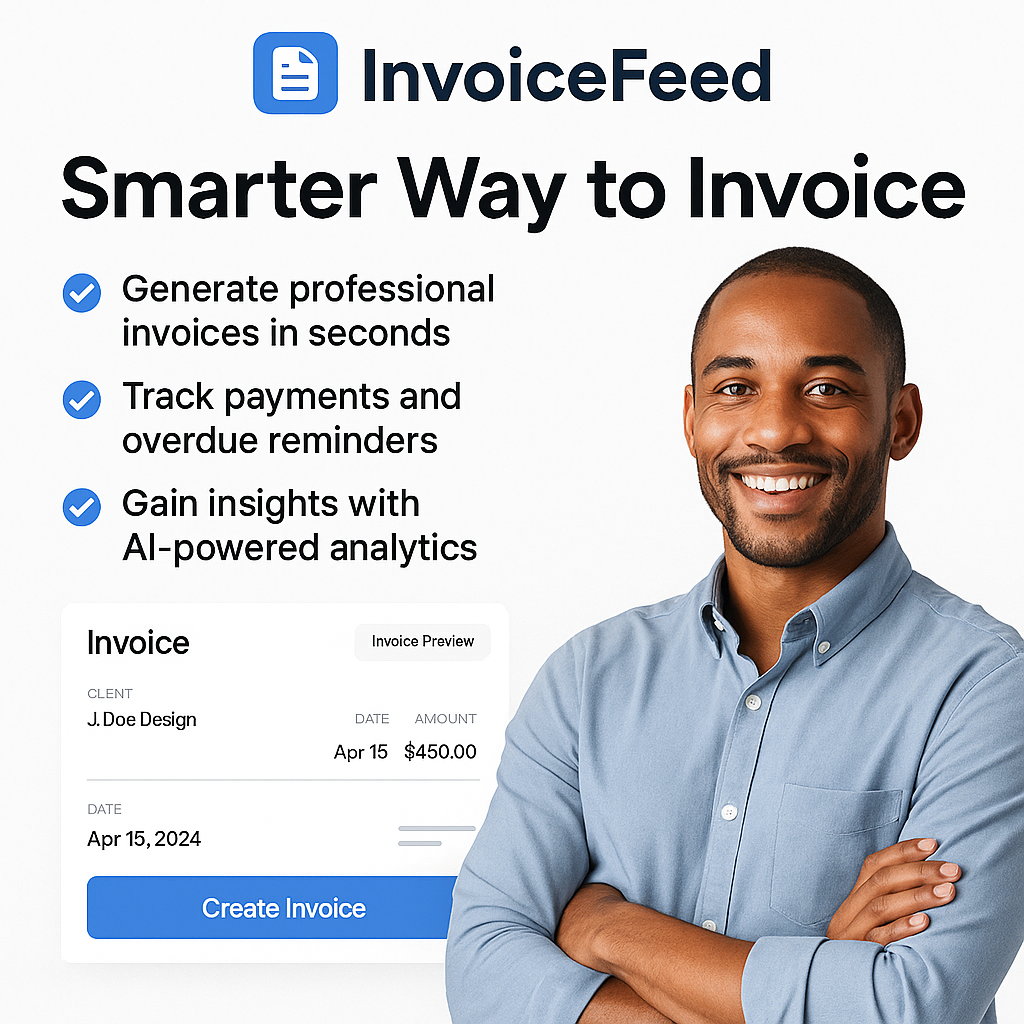
Whether you're a designer, developer or consultant, your invoices should reflect the quality of your work. InvoiceFeed offers beautiful, customizable templates that match your brand. You can add your logo, change colors and include personal notes. The interface is clean and intuitive, so you can generate and send an invoice in just a few clicks.
Ready‑to‑use templates: Choose from modern layouts that look good on desktop and mobile.
Personal branding: Upload your logo and select your brand colors for a consistent look.
Flexible tax options: Apply sales tax, VAT or GST automatically.
💡 Tip: Research shows that invoices with branding and clear payment instructions are more likely to be paid on time.
2. Track Your Time and Expenses Easily
If you bill hourly or invoice for reimbursable expenses, keeping track of your time and receipts is vital. InvoiceFeed includes built‑in time tracking and expense management. Start a timer when you begin working or log your hours manually. Upload receipts and attach them directly to your invoice. Everything stays organized and you don't have to juggle multiple tools.
Time tracking: Capture billable hours right inside the app.
Expense uploads: Attach files or photos of receipts to each invoice.
Automatic calculations: InvoiceFeed totals your hours and expenses for you.
3. Accept Secure Online Payments
Late payments often result from friction in the payment process. InvoiceFeed integrates with major payment gateways like Stripe and PayPal, allowing clients to pay instantly via credit card or bank transfer. You can also set up recurring payments for retainer clients. Accepting multiple payment methods increases your chances of getting paid on time.
Multiple gateways: Support for credit/debit cards, PayPal and more.
One‑click checkout: Clients pay directly from your invoice.
Recurring billing: Automate invoices for subscription‑based services.
4. Automated Reminders That Save You Time
Stop chasing clients. InvoiceFeed's reminder system sends gentle nudges before and after due dates. You control the schedule and messaging, so reminders feel polite rather than pushy. Automated reminders improve cash flow and maintain good client relationships.
Pre‑due alerts: Notify clients a few days before payment is due.
Past‑due follow‑ups: Send reminders as soon as invoices become overdue.
Customizable content: Edit the tone and content of each message.
5. Stay on Top of Your Business With AI Insights
Beyond creating and sending invoices, InvoiceFeed provides analytics to help you make smarter business decisions. The platform's dashboard shows outstanding invoices, total revenue, average payment time and overdue amounts. It also uses AI forecasting to predict your cash flow over the next few months. These insights help you plan for busy and slow periods.
Revenue dashboard: A clear view of paid, unpaid and overdue invoices.
Payment trends: Track how quickly clients pay and identify bottlenecks.
Cash‑flow forecasts: Use AI‑powered predictions to manage your finances.
6. Simple Workflow and Integrations
InvoiceFeed is designed to save you time. Every feature is integrated into a single dashboard, so you don't need multiple apps. Additional integrations with accounting tools (QuickBooks, Xero), calendar platforms and file storage services make invoicing part of your existing workflow.
All‑in‑one platform: Create, send and manage invoices in one place.
Third‑party integrations: Connect your accounting software, calendar and more.
Team collaboration: Invite teammates or accountants to manage invoices securely.
7. Getting Started Is Free and Easy
It only takes a minute to set up your account and send your first invoice. InvoiceFeed's free plan includes up to five clients and five invoices per month, perfect for testing the platform. As your business grows, you can upgrade to a Pro or Lifetime plan for unlimited invoices, priority support, and advanced analytics.
- Sign up for a free account.
- Add your business details and upload your logo.
- Create a new invoice, add your client and line items.
- Send it via email or a shareable link.
- Track payments and watch your revenue grow.
Final Thoughts
Choosing the right invoicing software can transform the way you run your freelance or small business. InvoiceFeed combines clean design, automation and powerful analytics to make invoicing effortless. By switching to InvoiceFeed, you'll look more professional, save hours of administrative work and get paid faster.
Ready to streamline your invoicing? Try InvoiceFeed for free and see why it's the ultimate invoicing solution for freelancers and small businesses.